
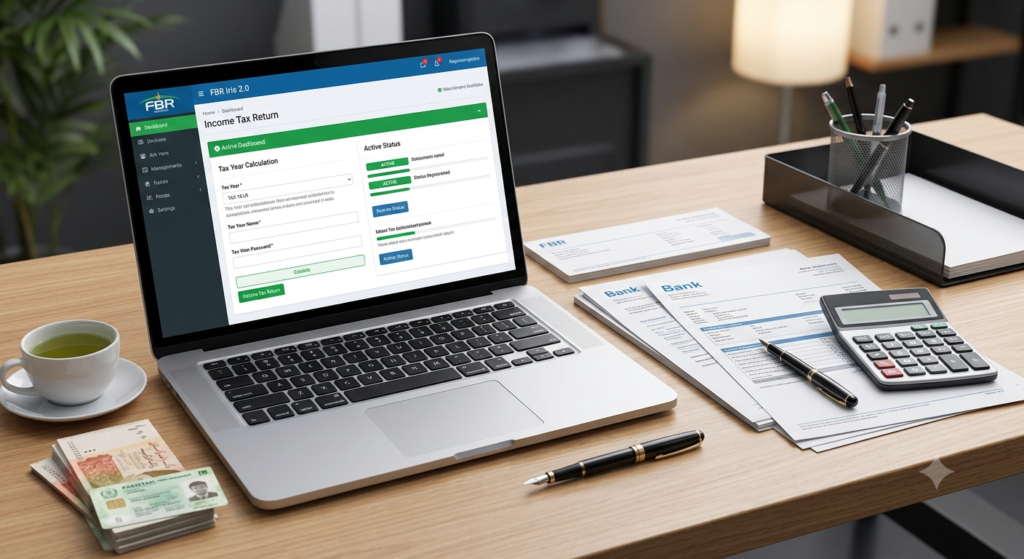
Every year, millions of citizens in Pakistan navigate the income tax filing process. The Federal Board of Revenue (FBR) regulates taxation across the country. Today, the government enforces tax compliance very strictly. Becoming an active taxpayer gives you clear financial advantages. It also protects you from heavy penalty surcharges.
Many taxpayers find the submission process confusing. However, the FBRIris digital portal makes online filing straightforward. This detailed guide explains everything you need to know about filing your income tax return in Pakistan.
1. Who Must File an Income Tax Return in Pakistan?
Pakistani tax law defines specific conditions for mandatory tax filing. You must file an annual income tax return if you meet any of the following criteria:
- Salaried Individuals: Any employee earning a taxable annual salary above PKR 600,000.
- Business Owners & Freelancers: Every sole proprietor, freelancer, or partner earning above PKR 400,000 annually.
- Commercial Electricity Consumers: Anyone holding an industrial or commercial electricity connection with high annual bills.
- Vehicle Owners: Individuals owning a motor vehicle with an engine capacity above 1000 CC.
- Property Owners: Persons owning immovable property or flats in rating areas or major municipal limits.
- Registered Companies & NPOs: Every registered business, company, or non-profit organization.
If you fall into any of these categories, the law requires you to submit an annual tax declaration.
2. Key Benefits of Becoming an Active Taxpayer (Filer Status)
FBR maintains the Active Taxpayers List (ATL). When you file your return on time, FBR adds your name to the ATL. Being an active filer grants you substantial tax savings:
A. Lower Withholding Tax Rates
Non-filers pay double the withholding tax on various daily transactions. Active filers enjoy reduced tax rates on:
- Bank cash withdrawals and fund transfers.
- Vehicle registration, purchasing, and annual token tax payments.
- Property buying, selling, and registration transfers.
- Profits from bank savings accounts and national savings schemes.
- Stock market transactions and dividend payouts.
B. Smooth International Financial Transfers
Active taxpayers face far fewer bank holds when transferring money abroad. Overseas transactions run smoothly when you maintain clean tax records.
C. Protection from Legal Notices and Audits
Unregistered high earners frequently receive automated tax notices from FBR. Filing your returns protects your reputation and prevents sudden bank account freezes.
3. Essential Documents You Need Before Filing
Gather your financial records before logging into the FBR Iris portal. Having your documents ready saves time and eliminates calculation errors.
                     ┌─────────────────────────────────────────┐
                     │ Essential Tax Documentation Checklist   │
                     └────────────────────┬────────────────────┘
                                          │
         ┌────────────────────────────────┼────────────────────────────────┐
         ▼                                ▼                                ▼
┌─────────────────┐              ┌─────────────────┐              ┌─────────────────┐
│ Bank Statements │              │ Tax Certificates│              │ Asset & Expense │
│ (July 1-June 30)│              │ (Salary/Utility)│              │ Payment Proofs  │
└─────────────────┘              └─────────────────┘              └─────────────────┘
You should collect these basic records:
- Bank Account Statements: Download full bank statements for the fiscal year running from July 1 to June 30.
- Salary Certificate (Form 149): Request an annual salary tax deduction certificate from your employer.
- Tax Deduction Certificates: Gather deduction proofs for mobile bills, PTCL connections, electricity bills, and vehicle taxes.
- Asset Purchase Proofs: Keep purchase documents for any land, flat, gold, or vehicle bought during the fiscal year.
- Foreign Remittance Receipts: Obtain bank encashment certificates if you receive foreign payments.
4. Step-by-Step Guide to E-Filing via FBR Iris Portal
The FBR Iris portal handles all electronic return filings. Follow these step-by-step instructions to file your return correctly:
┌─────────────────────────┐
│ 1. Log into FBR Iris    │
└────────────┬────────────┘
             ▼
┌─────────────────────────┐
│ 2. Select Return Form   │
└────────────┬────────────┘
             ▼
┌─────────────────────────┐
│ 3. Enter Income Details │
└────────────┬────────────┘
             ▼
┌─────────────────────────┐
│ 4. Claim Tax Credits    │
└────────────┬────────────┘
             ▼
┌─────────────────────────┐
│ 5. Reconcile Wealth     │
└────────────┬────────────┘
             ▼
┌─────────────────────────┐
│ 6. Verify with PIN      │
└─────────────────────────┘
Step 1: Log into the Iris Portal
Visit the official FBR Iris web portal. Enter your National Tax Number (NTN) or CNIC along with your password. If you lack an account, click “Registration for Unregistered Person” to create one.
Step 2: Open the Income Tax Return Form
Once inside the portal, click on the “Declaration” tab at the top menu. Select the revised normal return form for the current tax year.
Step 3: Input Your Income Streams
Navigate through the relevant income heads:
- Salary: Enter your gross salary and exempt allowances under the salary tab.
- Property: Declare rental income if you own rented housing units or commercial space.
- Business/Freelancing: Enter gross revenues, allowable business expenses, and net profit margins.
- Capital Gains: Report profits made from selling real estate properties, stocks, or shares.
Step 4: Record Tax Deductions and Credits
Enter all advance tax amounts already withheld by your bank, employer, or utility providers. The system will automatically credit these payments against your calculated tax liability.
5. How to Reconcile Your Wealth Statement
You cannot submit an income tax return without completing a Wealth Statement (Section 116). This section details your net personal assets and total annual household expenses.
A. List Your Personal Assets
Declare every asset you own as of June 30th. Include the original cost price for:
- Residential and commercial real estate properties.
- Registered motor vehicles.
- Bank deposits, prize bonds, and cash balances.
- Gold jewelry and valuable personal household items.
B. Complete the Wealth Reconciliation
The Iris portal requires exact mathematical matching. The system uses a fundamental formula:
$$\text{Current Net Assets} – \text{Previous Net Assets} = \text{Declared Income} – \text{Annual Expenses}$$
If your reconciliation shows an “Unreconciled Amount,” you must fix the math. Adjust your declared expenses or asset values until the un-reconciled figure reaches zero.
C. Verify and Submit
After reaching zero difference, enter your 4-digit confidential PIN. Click “Submit” to complete your annual return filing.
6. Important Deadlines and Late Filing Penalties
FBR sets annual deadlines for tax return submissions. Individual taxpayers, salaried workers, and AOPs must usually submit returns by September 30th every year. Companies must submit by December 31st.
Consequences of Missing the Deadline
If you miss the official filing deadline, you face strict legal penalties under the Income Tax Ordinance:
- Late Filer Status: You lose your active taxpayer status, increasing withholding tax rates across all transactions.
- Financial Penalties: FBR charges daily default penalties for delayed submissions.
- Section 182 Surcharges: Late filers must pay an ATL surcharge fee to restore their active status on the list.
Plan your filing early to avoid last-minute portal delays or heavy penalty charges.